Subflows
A Subflow packages a reusable section of flow logic as a single node. It runs inside the parent flow and does not make an HTTP request to the Flow API.
Use subflows to reuse stable building blocks, hide implementation details, and keep large workflows readable.
Define the interface
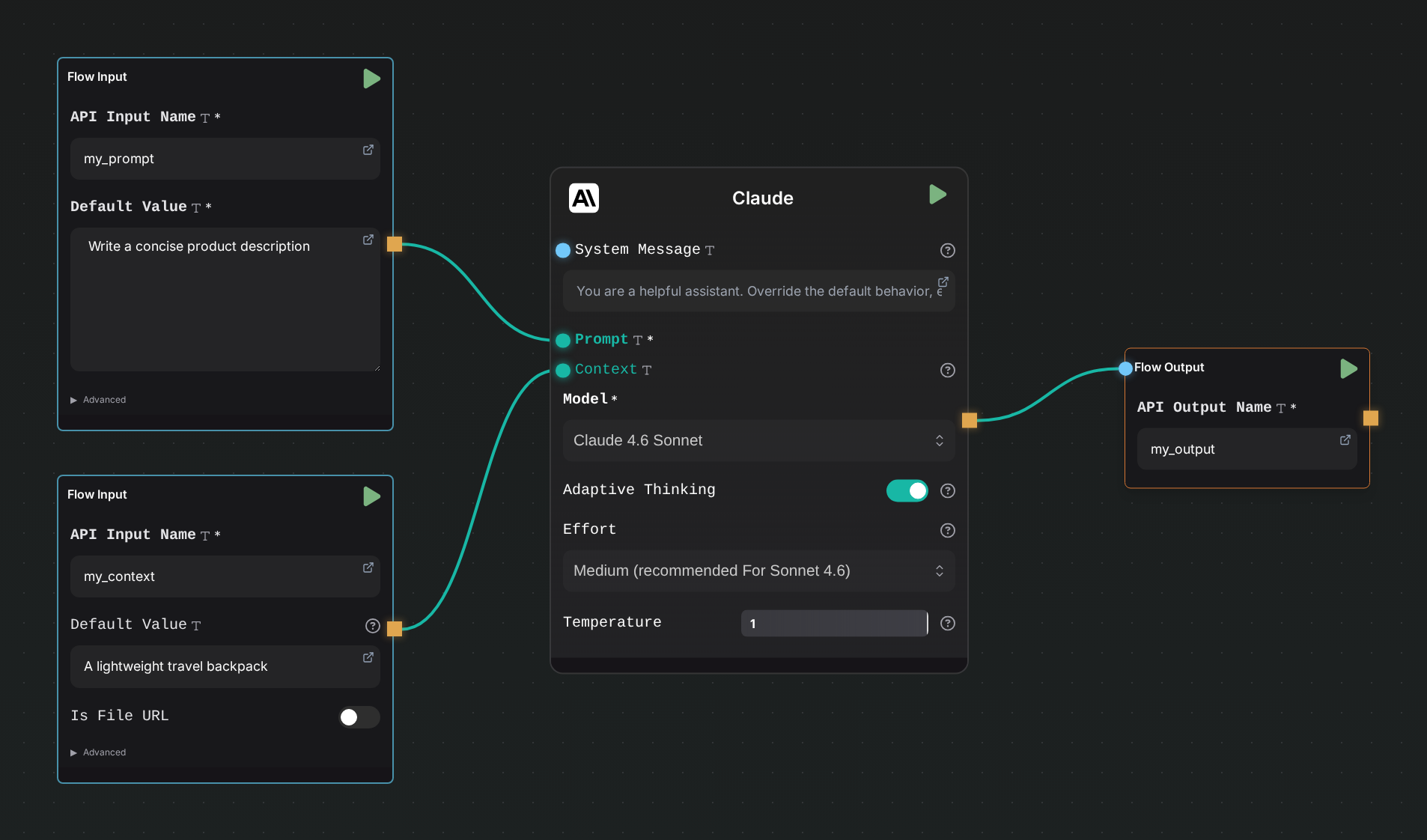
A reusable flow exposes its interface with Flow Input and Flow Output nodes:
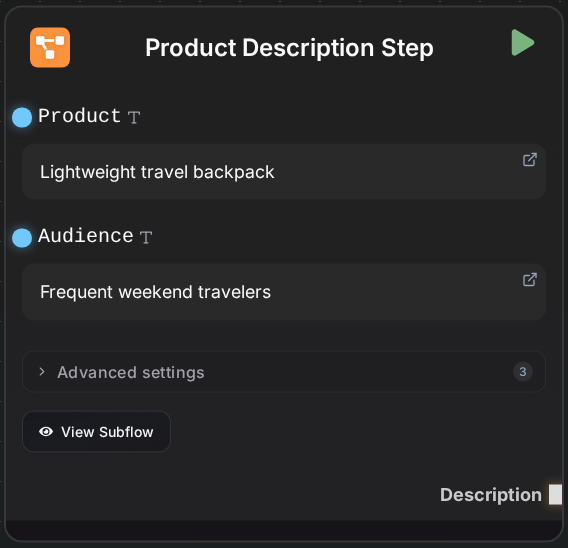
- Each named Flow Input becomes an input field and input handle on the Subflow node.
- Each named Flow Output becomes an output handle on the Subflow node.
- Input and output names must be present and unique.
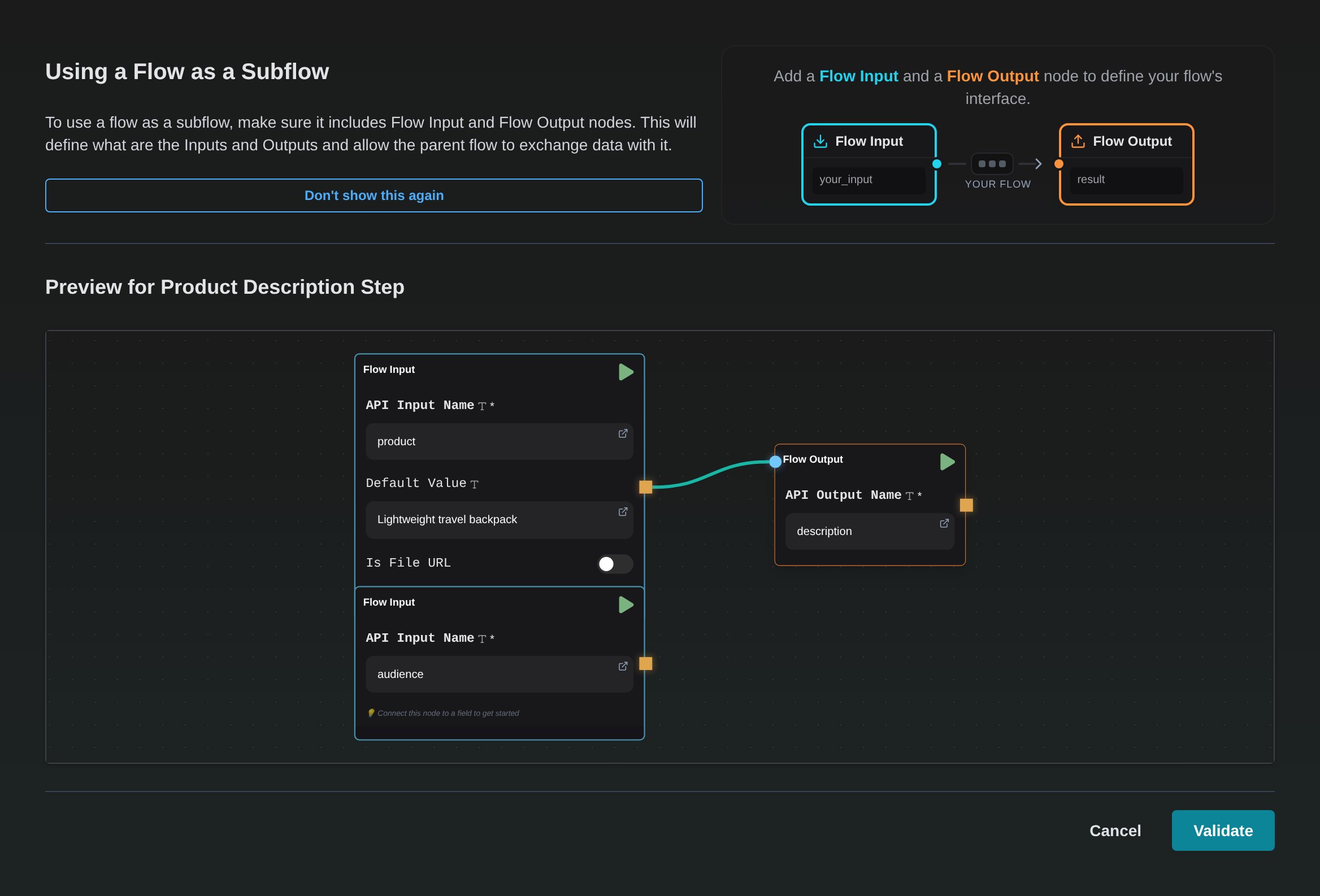
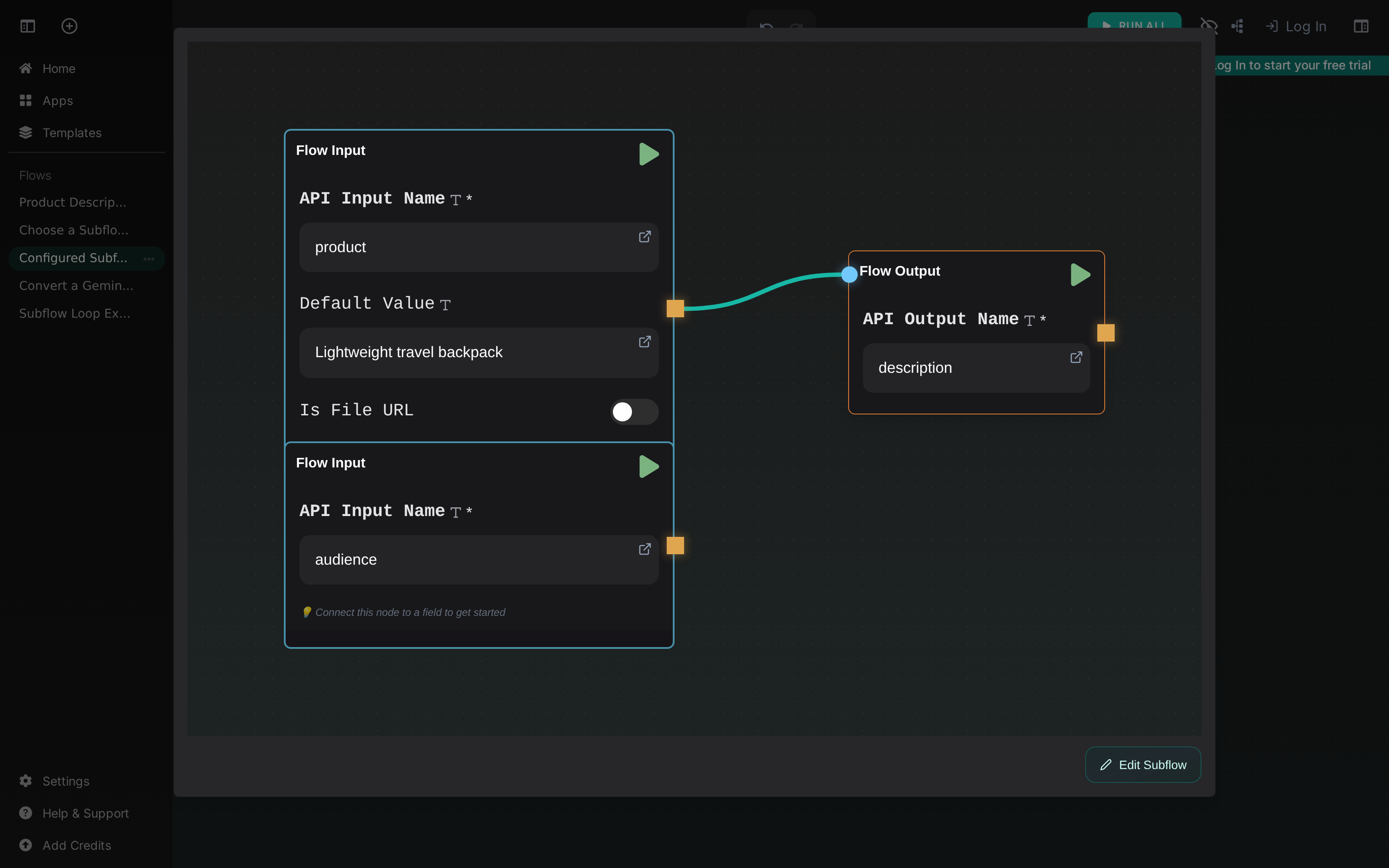
The flow below exposes two inputs, product and audience, and one output, description.
Flow Input and Flow Output nodes are only required when a flow needs a public interface—for example, when it is reused as a subflow, published as an app, or called through the API.
Create a Subflow node
- Add a Subflow node to the parent flow.
- Select Select Flow.
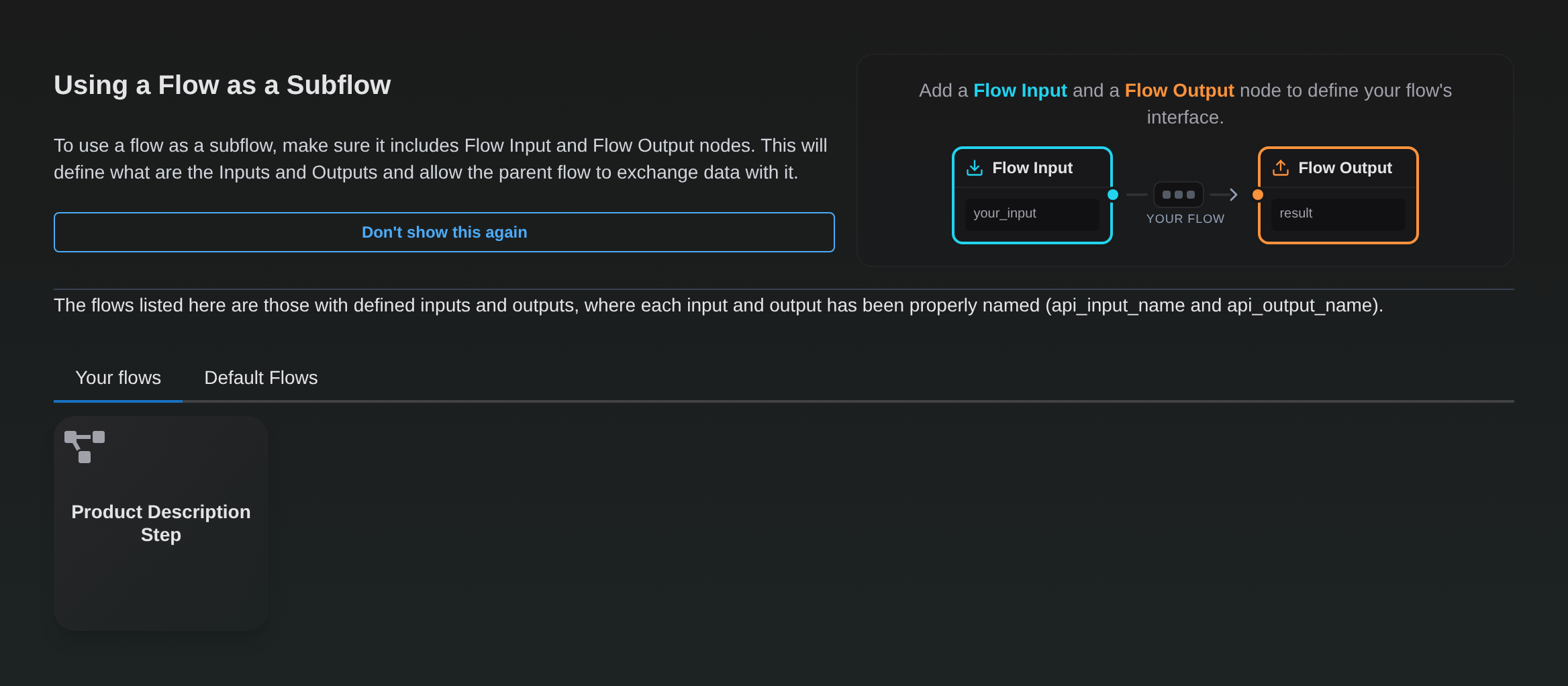
- Choose a compatible flow from Your flows or Default Flows. A local flow is compatible when it has a valid Flow Input/Flow Output interface.
- Review the preview and select Validate.
The selector lists only compatible flows and reminds you how the public interface is defined:
Selecting a flow opens a visual preview before anything is applied to the node:
The node is regenerated from the selected flow's interface and can then be connected like any other node.
Snapshot and update behavior
A Subflow node embeds a snapshot of the selected flow. Later edits to the source flow do not silently change nodes that already use it.
There are two explicit ways to update that snapshot:
- Reload Subflow appears when the linked source flow is available in your flows and has changed.
- View Subflow → Edit Subflow opens the embedded snapshot. After editing, select Update Subflow to validate and apply the new snapshot.
An update that changes Flow Input or Flow Output names changes the Subflow node's interface. Review its incoming and outgoing connections afterward.
Failure handling
Configured Subflow nodes include an Advanced settings section:
- On Failure controls whether the parent flow fails or continues.
- Retries controls how many times a failed subflow is retried.
- Retry delay adds a delay between attempts.
Nested subflows
Subflows can contain other Subflow nodes, subject to the platform's recursion limit. Keep nesting shallow: it makes data flow, updates, and error handling much easier to understand.
A Subflow Loop cannot contain another Subflow Loop. See Subflow Loop for the loop-specific constraints.